> For the complete documentation index, see [llms.txt](https://docs.blinkgalaxy.com/llms.txt). Markdown versions of documentation pages are available by appending `.md` to page URLs; this page is available as [Markdown](https://docs.blinkgalaxy.com/learning-station/outer-ring-dapp/outer-ring-crafting-system/factory/styling.md).
# Styling
### Make it your style
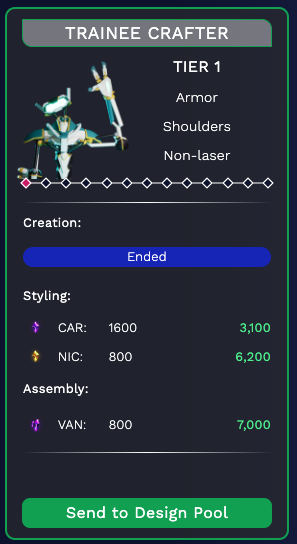
When the initial step is completed, you will transfer the NFT to one of the three design pools.
### **Item customization**
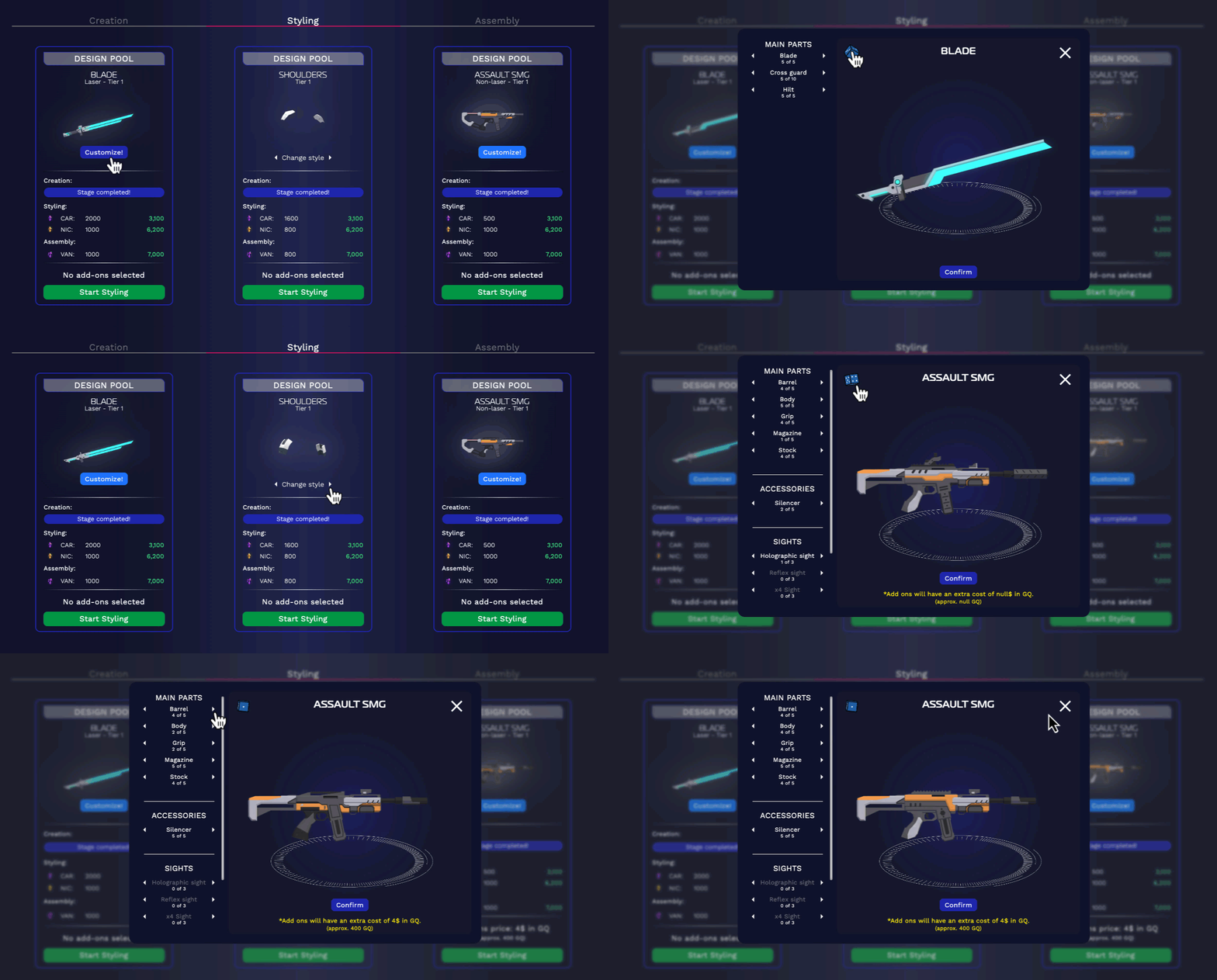
These design pools accept weapons and armor of any tier. For an extra cost, you have the option to personalize your weapon with various accessories, under-barrel items and sights.
### **Resource cost**
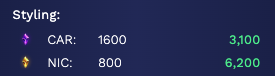
Once you have decided which object you want to create, check that you have the necessary materials to start the ***Styling*** process.
Use the "Start Styling" button to begin the customization process.